Pain point
This web application is a portal for managing all documents for employees and vendors assigned to work in Australia as skilled workers. The goals of this application are to improve the efficiency and productivity of the Visa submission process and to administer the legal status of each employee and their family living in Australia.
This web application is a portal for managing all documents for employees and vendors assigned to work in Australia as skilled workers. The goals of this application are to improve the efficiency and productivity of the Visa submission process and to administer the legal status of each employee and their family living in Australia.
Process
Working with Business analysts required creating high-fidelity mockups for the client engagement stage. A few mock-ups to help summarise the app and support the business analysts’ presentation. I consult for the functional details for the app based on the client’s Excel sheets and the BA’s scribbles. After the engagement, I create screen designs for all functions, taking into account user interactions and functional wireframe documents.
Working with Business analysts required creating high-fidelity mockups for the client engagement stage. A few mock-ups to help summarise the app and support the business analysts’ presentation. I consult for the functional details for the app based on the client’s Excel sheets and the BA’s scribbles. After the engagement, I create screen designs for all functions, taking into account user interactions and functional wireframe documents.
Actions
From my experience, applying for a visa is not easy. There are several steps to take, including filling in forms and preparing personal documentation. The user must complete these long forms and gather all necessary information.
From my experience, applying for a visa is not easy. There are several steps to take, including filling in forms and preparing personal documentation. The user must complete these long forms and gather all necessary information.
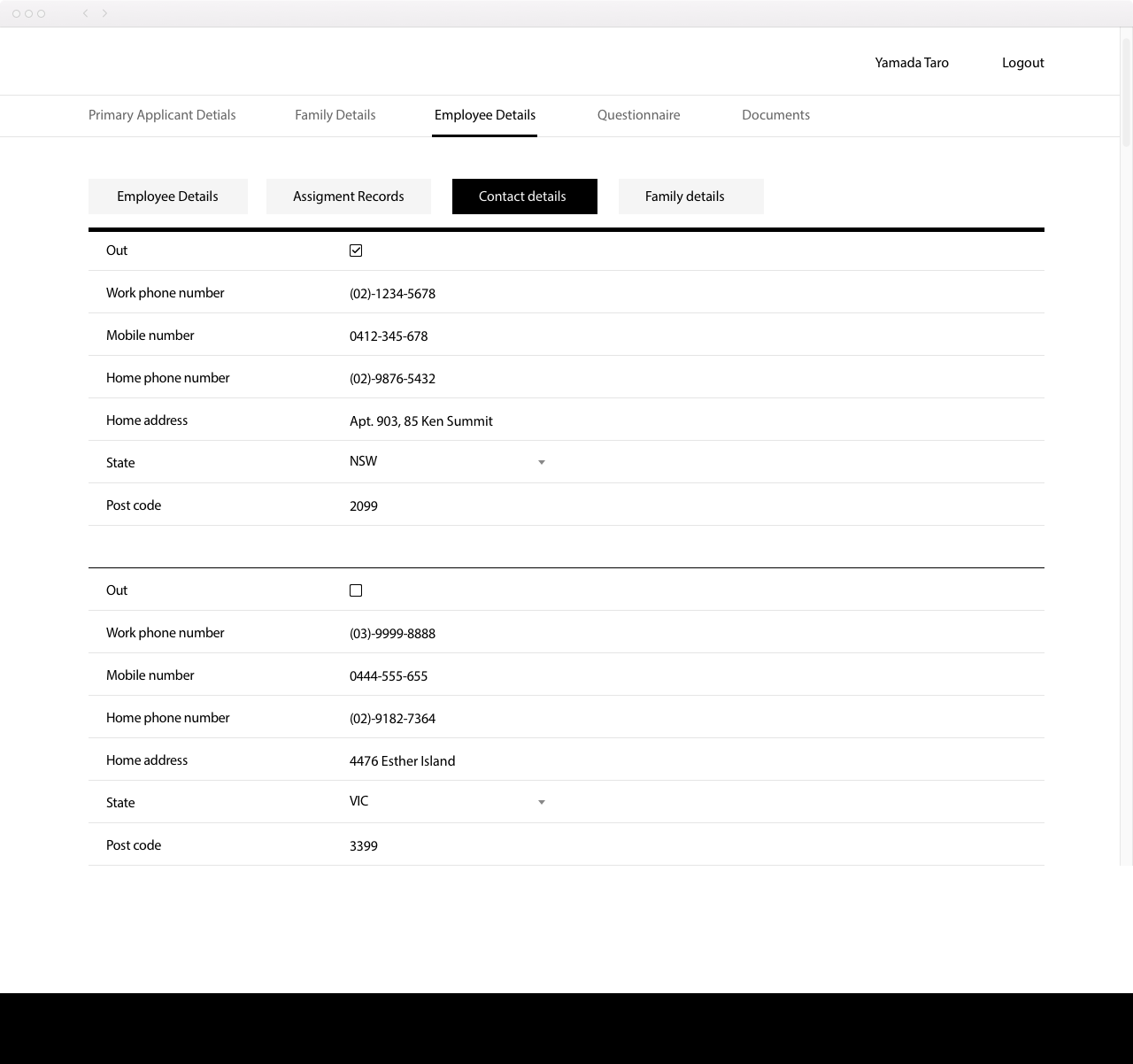
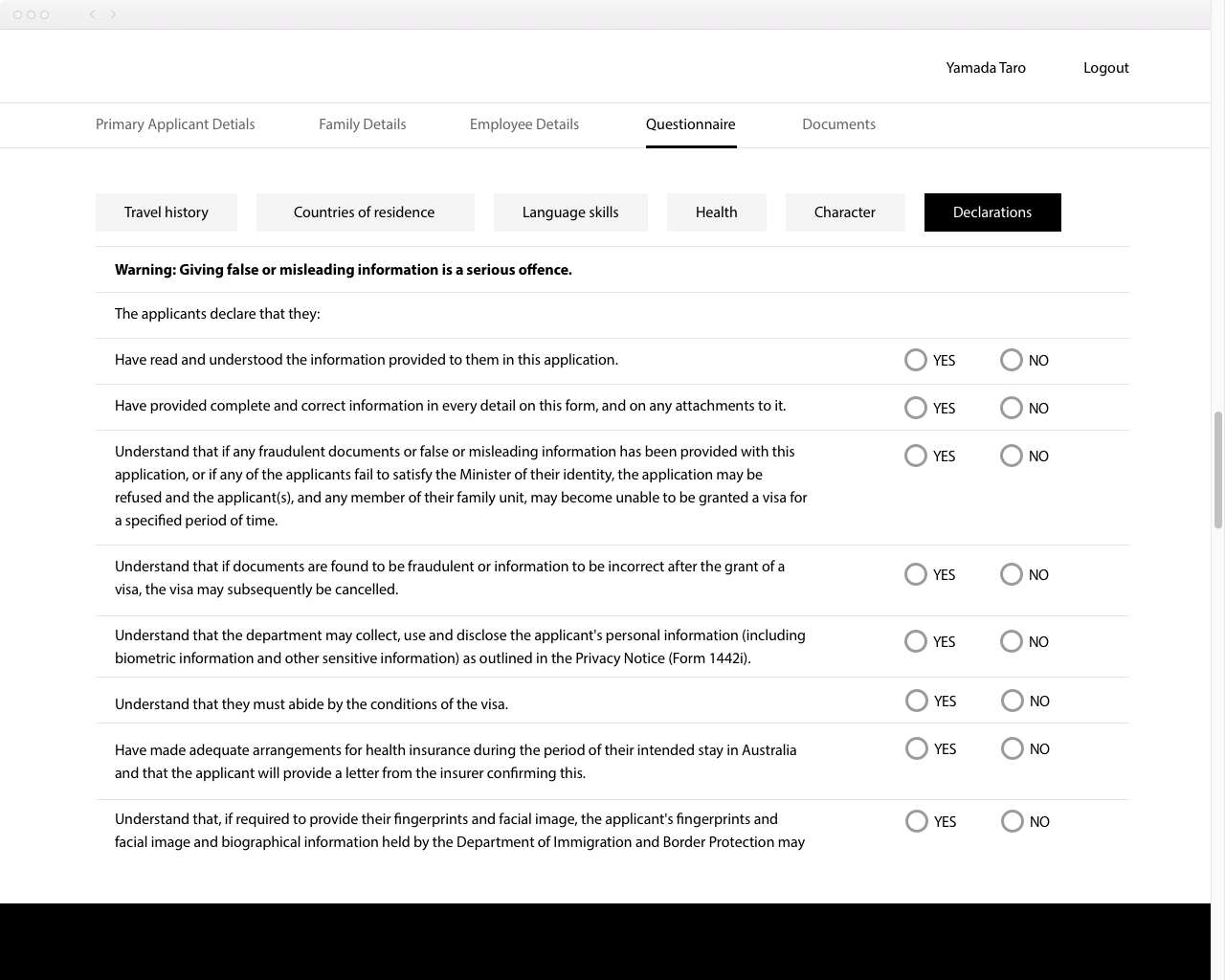
My suggestion was to divide the form into a few steps so the user can stop at any time and resume later. However, the client’s feedback was no. So I created the users to jump between categories within the page.
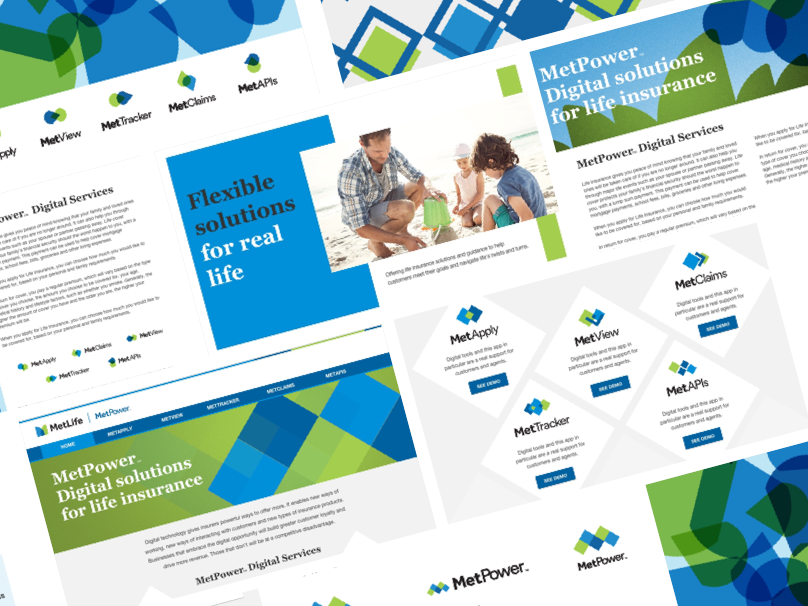
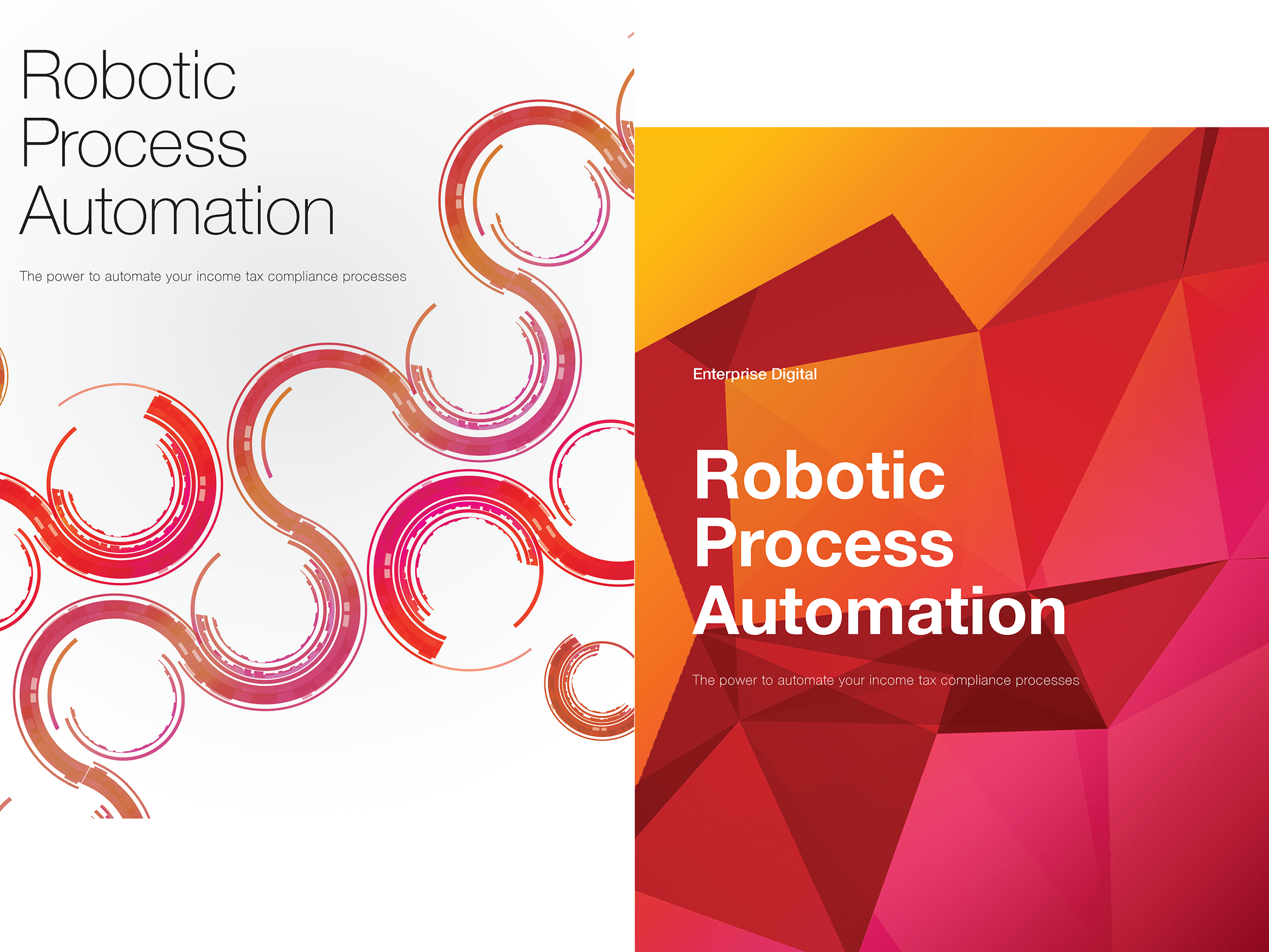
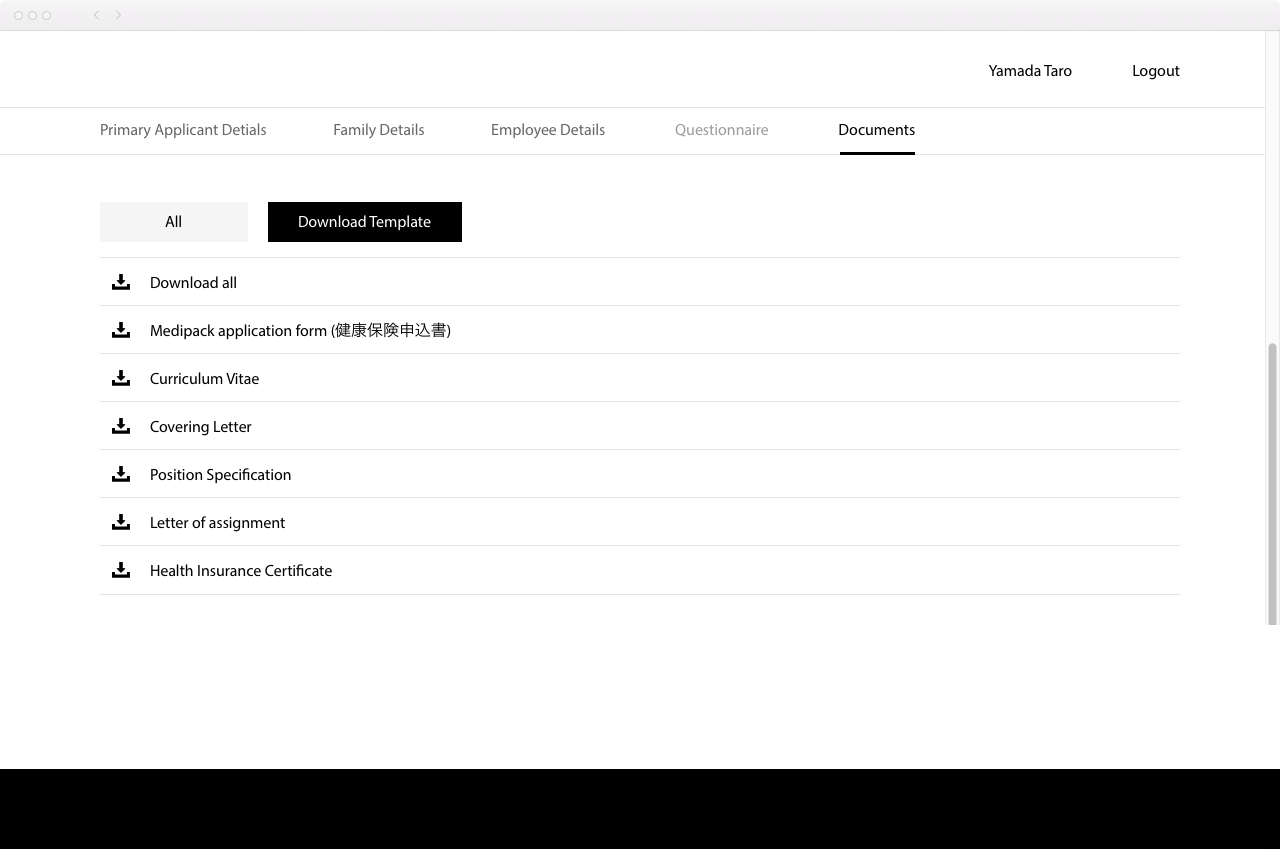
The visual requirement was to take the client's branding patterns. Keeping their look and feel, I decided on minimal elements and was careful with typography, especially leading, to maintain consistency.
Challenges
+ The user’s input data must be output in legal format
+ The user should be able to complete forms using templates in the browser, in MS Word, and in PDF format.
+ To be able to do this operation, avoid the process of
1) Downloading the template > Filling in the information > uploading the file
+ Consider implementing the Auto Saving function
+ Handles two languages (English and Japanese )
+ The user’s input data must be output in legal format
+ The user should be able to complete forms using templates in the browser, in MS Word, and in PDF format.
+ To be able to do this operation, avoid the process of
1) Downloading the template > Filling in the information > uploading the file
+ Consider implementing the Auto Saving function
+ Handles two languages (English and Japanese )

-————————————------------------------------------------------———————————
Other work with the same client
Asset Management
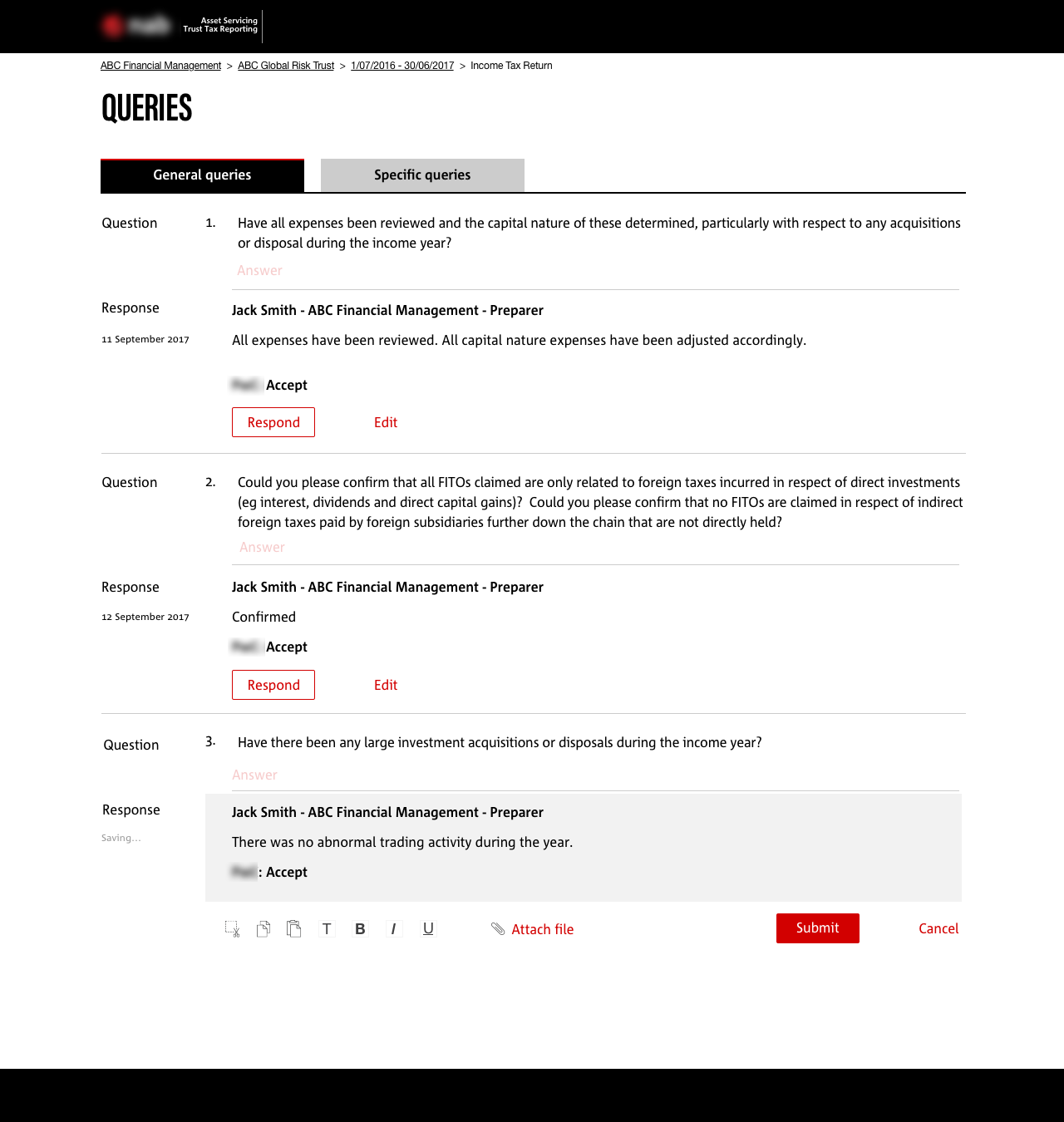
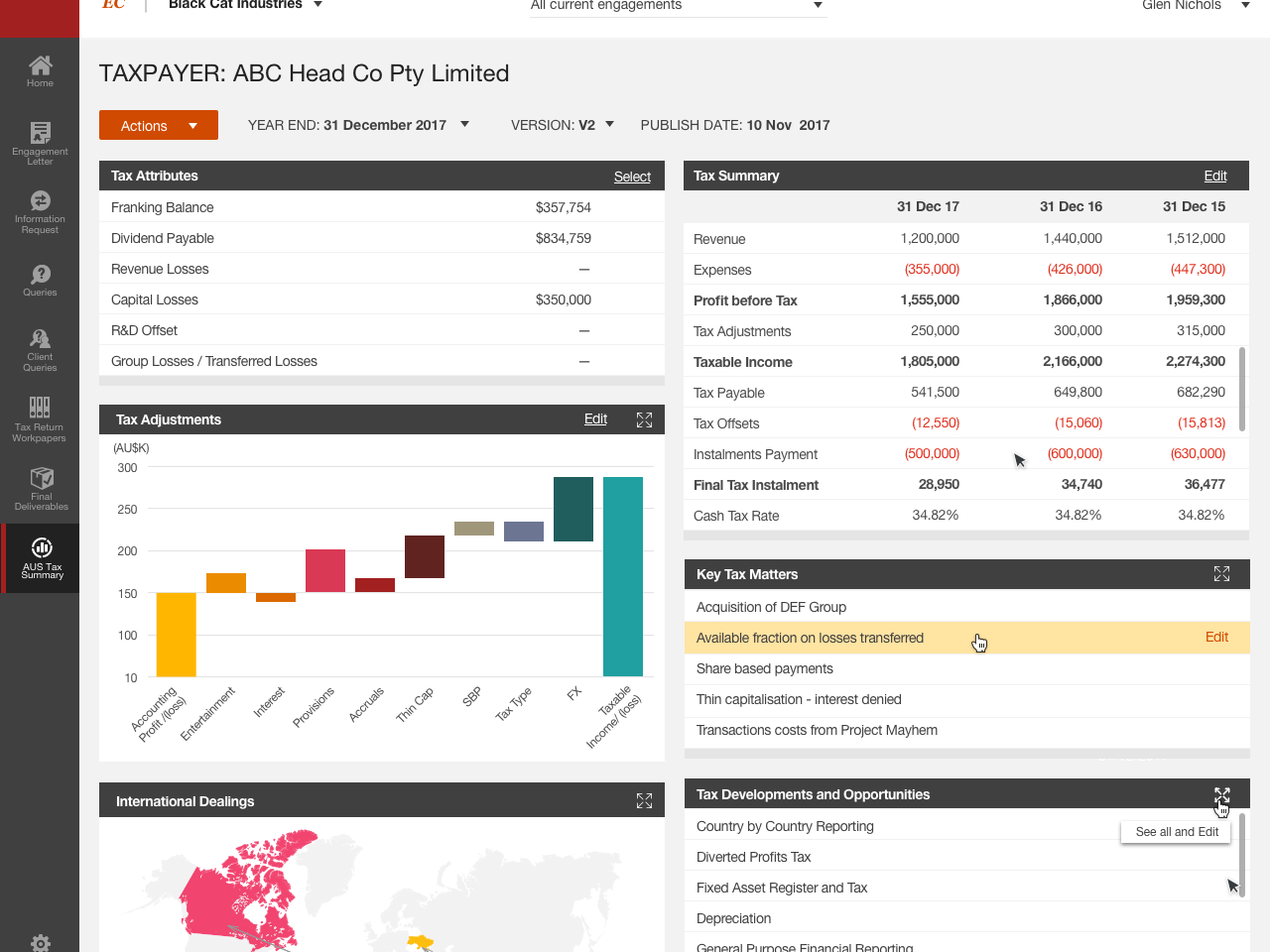
Automation asset application for a banking product by transforming limited Excel data into a clean, brand-aligned visual interface.
Goals
Automation asset services application for a banking product.
Challenges
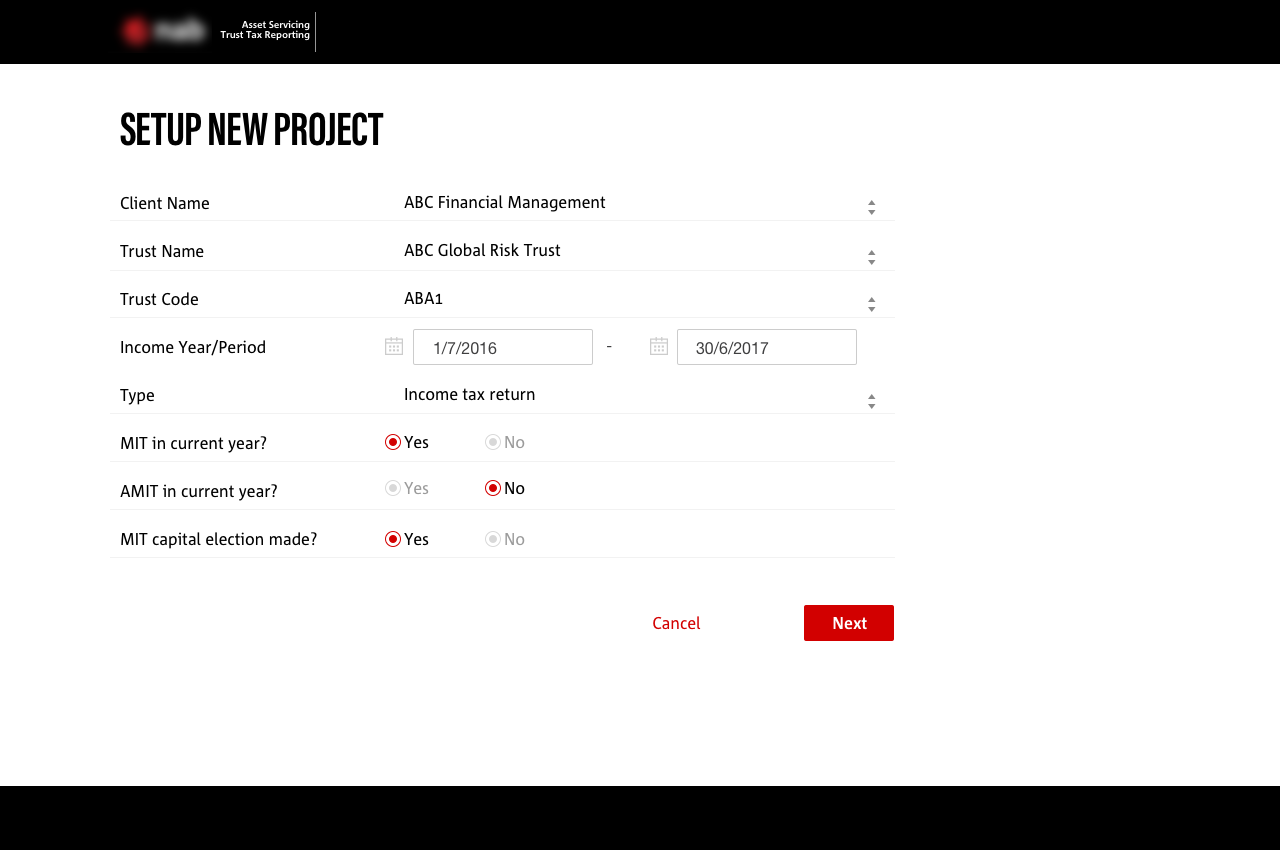
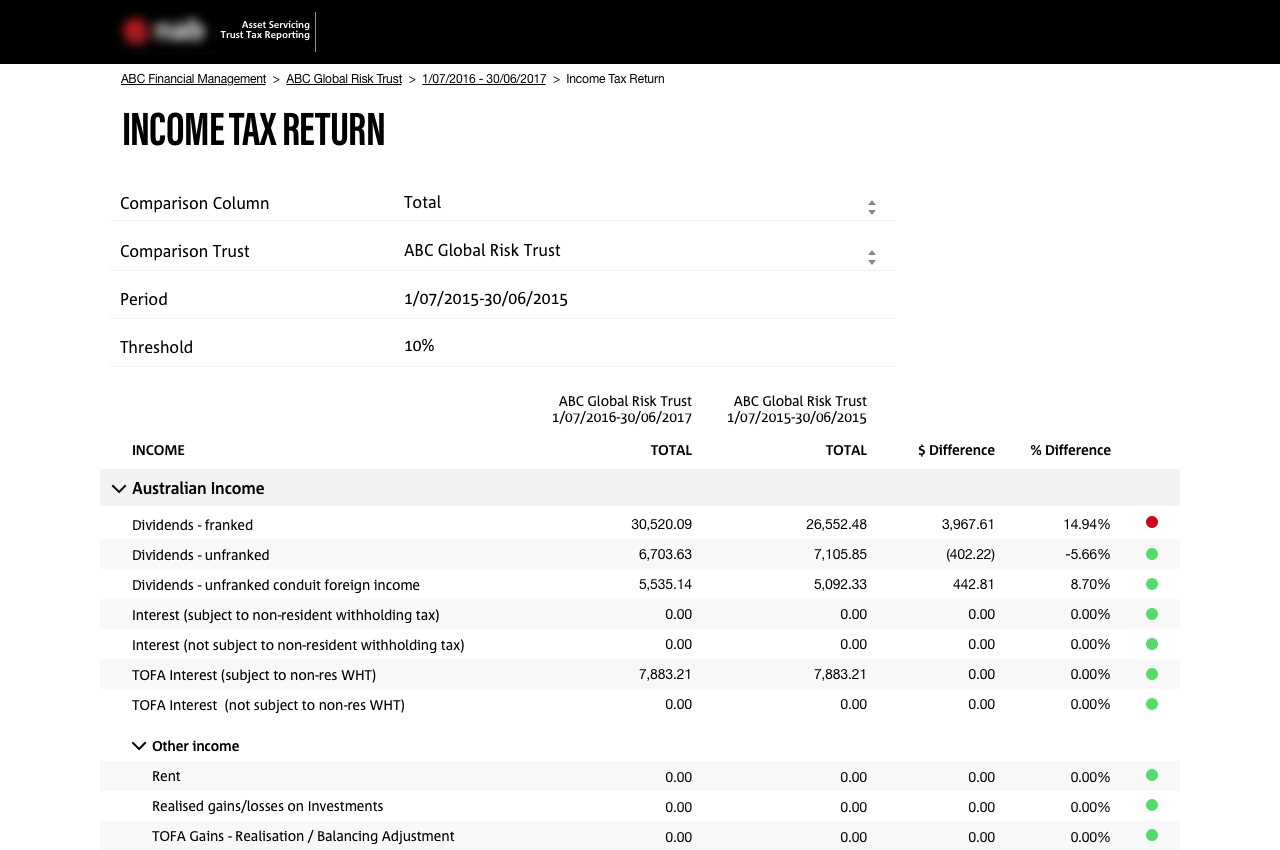
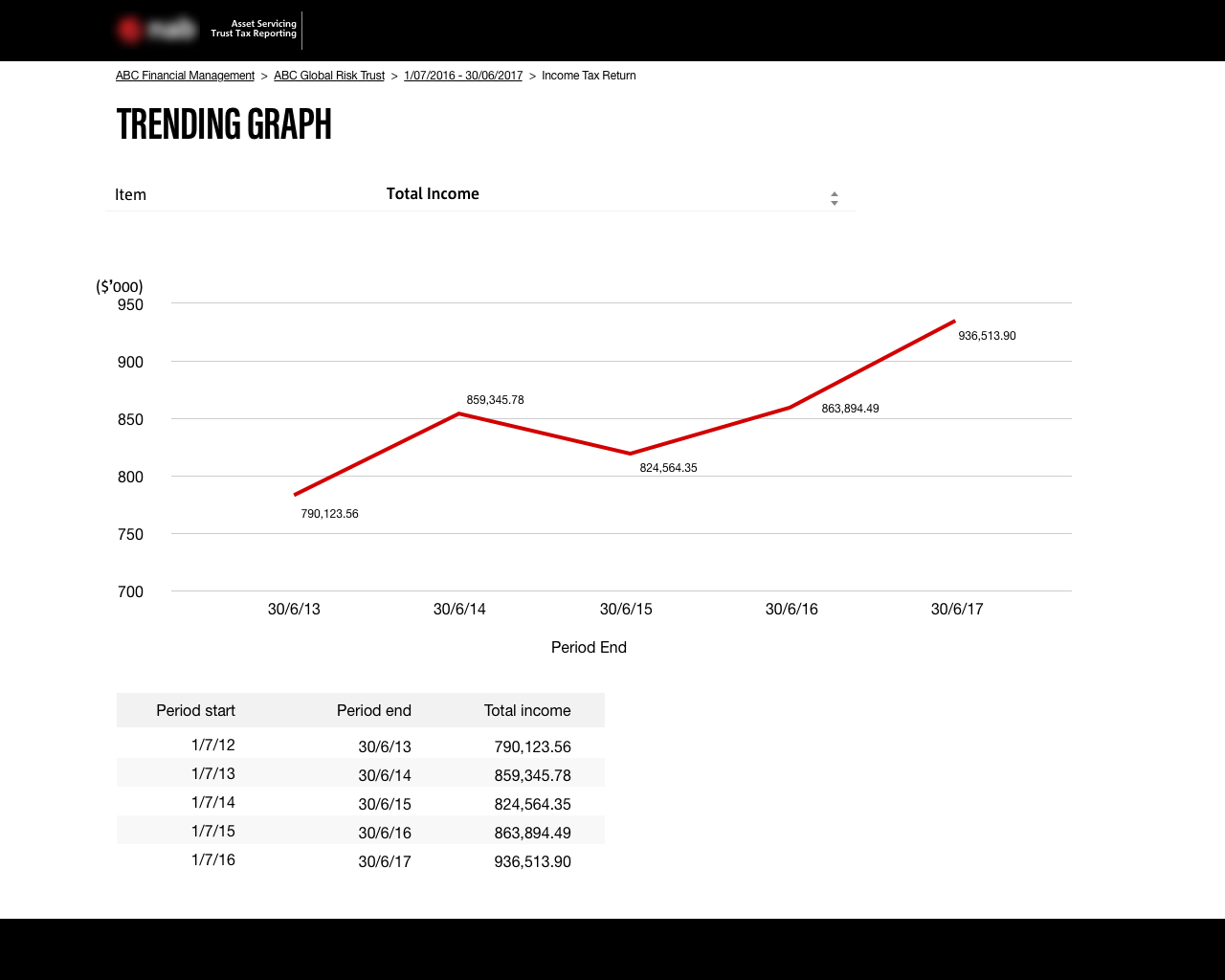
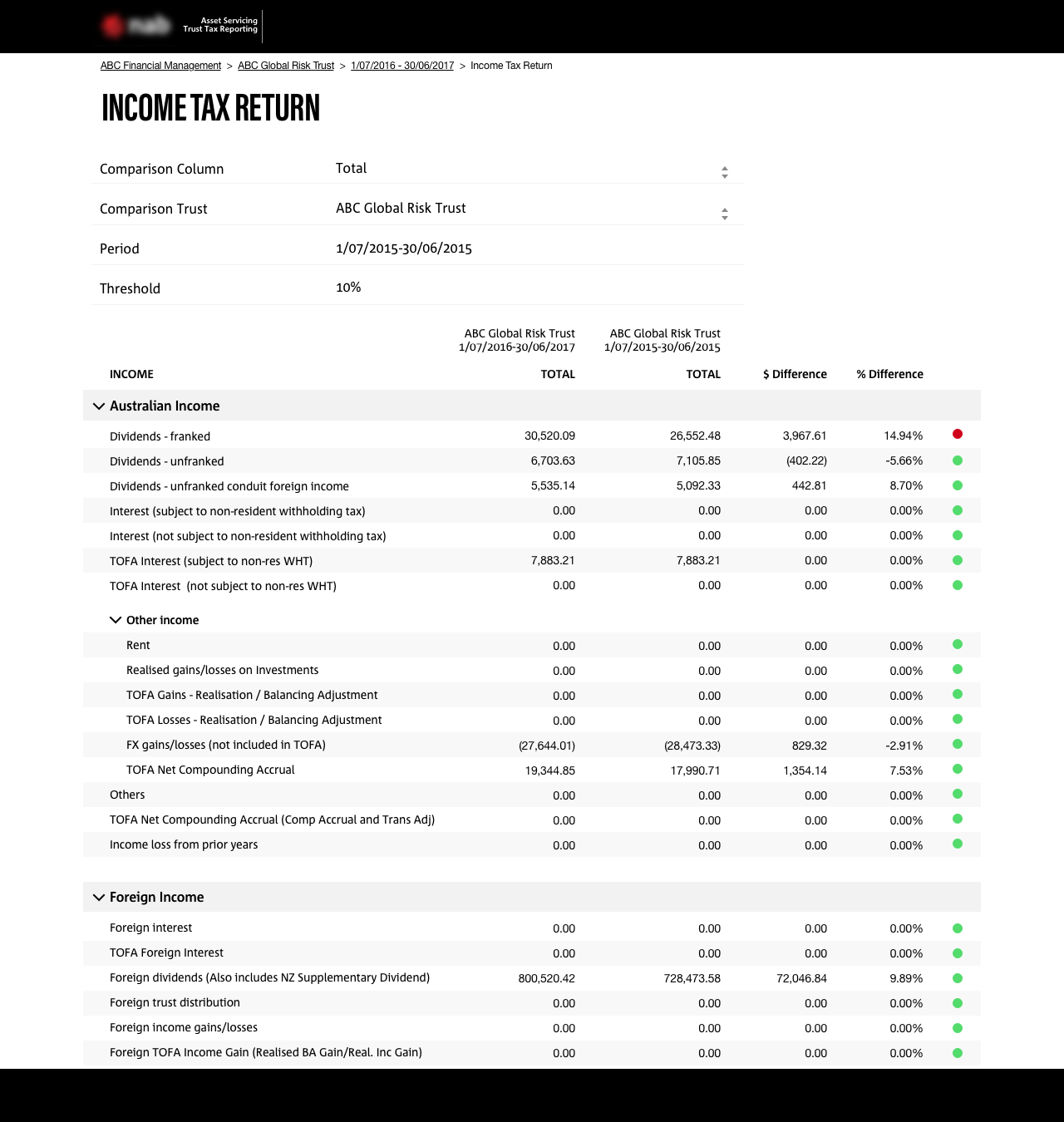
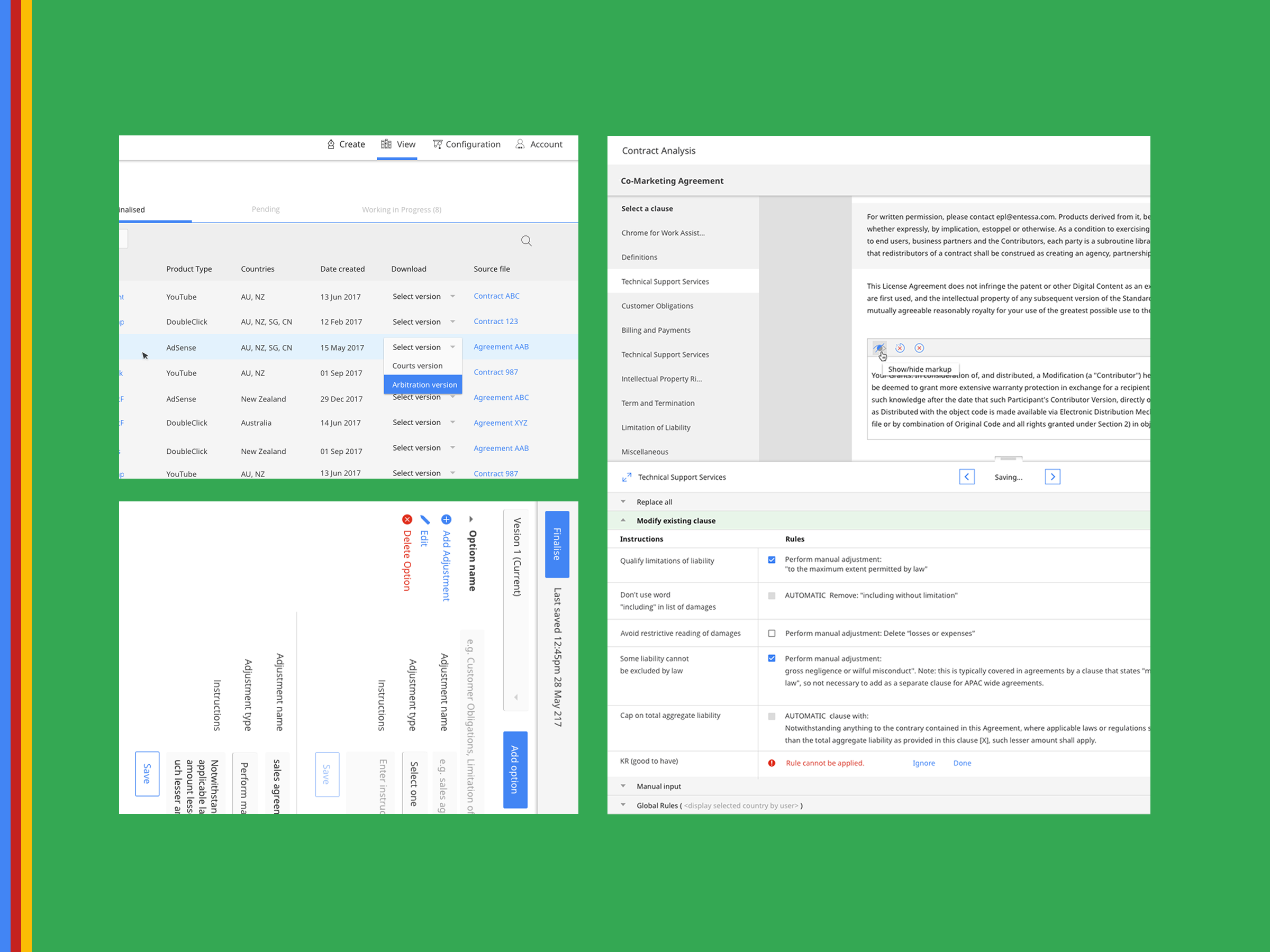
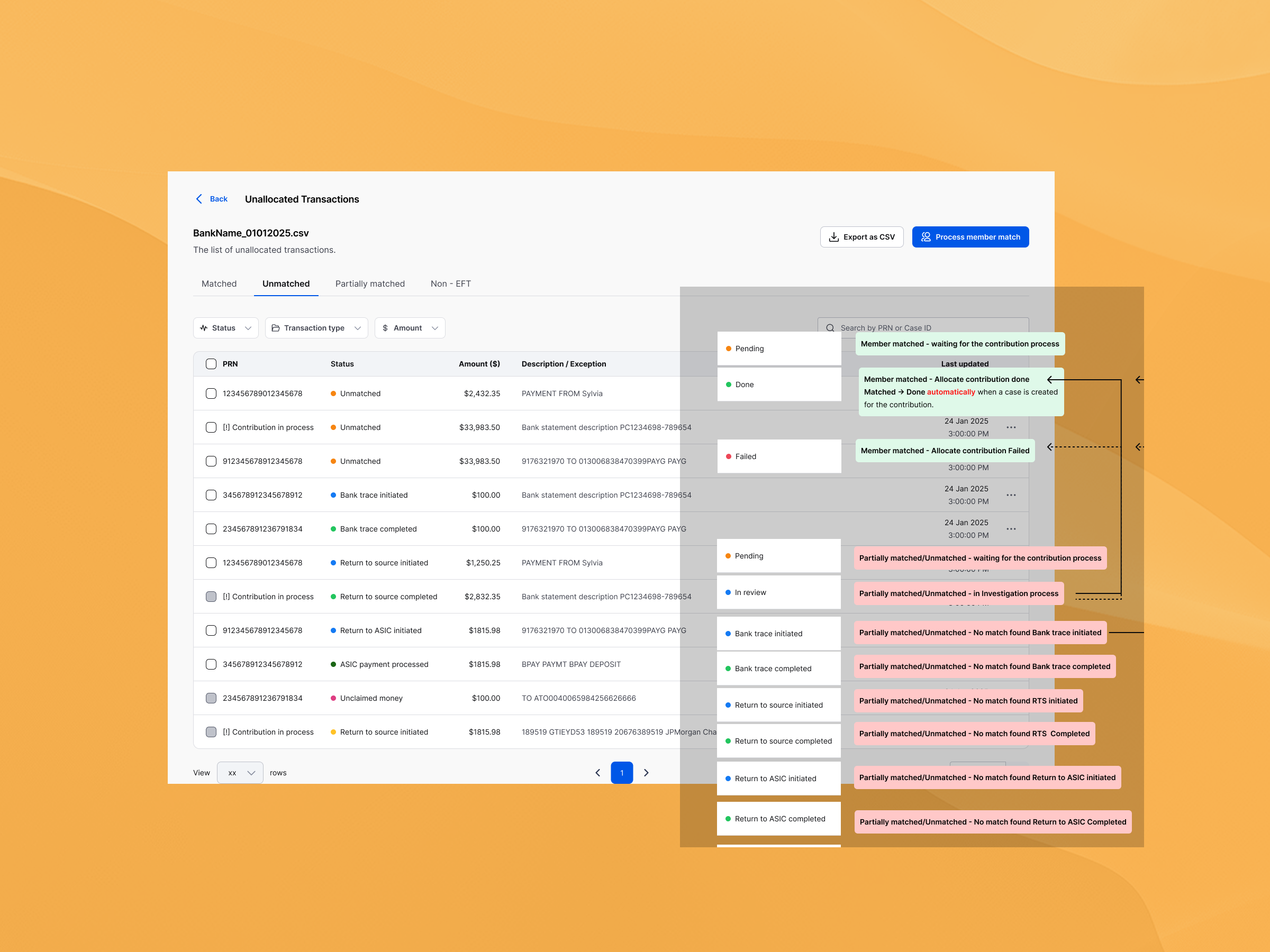
I created initial mockups based on our BA's Excel dataset. There wasn't much information available at that stage. My aim was to make it as clear as possible to view the number of rows and apply interactions to make the application intuitive and achieve users' intended goals.
Visual Design challenges
The brief was to use their branding of look and feel. I researched their fonts and corporate colour schemes to create this application as a part of their product.
Feedback on my work
"First of all - kudos to Miyuki, the visuals look great! The layout looks neat and is easy to read," paid off for the initial engagement stage. We are still waiting for the client feedback.
Automation asset services application for a banking product.
Challenges
I created initial mockups based on our BA's Excel dataset. There wasn't much information available at that stage. My aim was to make it as clear as possible to view the number of rows and apply interactions to make the application intuitive and achieve users' intended goals.
Visual Design challenges
The brief was to use their branding of look and feel. I researched their fonts and corporate colour schemes to create this application as a part of their product.
Feedback on my work
"First of all - kudos to Miyuki, the visuals look great! The layout looks neat and is easy to read," paid off for the initial engagement stage. We are still waiting for the client feedback.